RFQ guide

Custom optical filter RFQ checklist

A custom optical filter request is easier to review when optical behavior, geometry, quantity and open questions are separated before the first quote conversation.

Optical filter request guide

Custom Optical Filter RFQ preparation guide

Prepare a structured Custom Optical Filter RFQ inquiry with optical fields, attachments, commercial notes, and document requests for Lumalyx technical review.

What is the intent of a Custom Optical Filter RFQ page?

Custom Optical Filter RFQ request intent

Use this page to prepare a technical inquiry before discussing commercial details. The request should explain the optical function, target values, geometry, quantity, document needs, and the open questions that need review.

Start the RFQ with technical context before commercial timing.

Which technical fields should come before a Custom Optical Filter RFQ?

Technical fields before quotation

Prepare wavelength or band, bandwidth or cutoff, blocking or attenuation target, AOI, substrate, dimensions, tolerance context, quantity, application context, and attachments. These fields help a technical reviewer understand the request before quoting is discussed.

Fill the technical fields before sending the inquiry.

Which commercial topics should stay separate from technical review?

Commercial boundaries

Quantity, destination, target timing, and document needs are useful, but they should not replace the optical requirement. Pricing, lead time, availability, and commercial terms need confirmation through the request path after the technical context is visible.

Keep commercial notes in the inquiry without treating them as confirmed.

Which documents can support a Custom Optical Filter RFQ?

Documents to attach

Attach drawings, spectra, current component information, channel maps, size constraints, and test notes when available. If a document is needed from Lumalyx, state the type of document and the reason it matters for the review.

Attach known files and list requested documents.

How will a Custom Optical Filter RFQ become easier to review?

Review path

A clear request separates required values, flexible values, unknowns, and documents. It should make the first response easier to route toward product family review, coating discussion, drawing review, or follow-up questions.

Mark fixed values, adjustable values, and unknowns in separate lines.

What is the next step for Custom Optical Filter RFQ?

RFQ submission

Submit the technical package when the optical fields and documents are ready. If some values are still unknown, include the uncertainty explicitly so the response can focus on what information is needed next.

Submit the RFQ package or request document review.

Technical fields to prepare

Use these fields to turn the page topic into a reviewable Lumalyx request.

  • application context
  • target wavelength or band
  • blocking or OD target
  • AOI or geometry
  • substrate and size
  • quantity
  • documents or drawings

Procurement frame

Custom filter searches often mix product, supplier and manufacturer intent. Lumalyx handles this page as an RFQ preparation surface: define the optical task first, then attach the fields needed for review.

Review fields

Prepare wavelength range, pass or blocked band, CWL, FWHM, OD or transmission target, AOI, substrate, size, thickness, drawing, quantity and application context.

Decision path

If the request starts from a known family, review spectral filters, neutral density filters, dichroic optics or coated components first. If the part is not clear, start with the RFQ package.

Commercial boundary

Use the inquiry to prepare review fields, not to infer price or availability.

This page keeps inventory, timing, document status, site-control questions and feasibility outside the public text. Those details require RFQ review.

The safest next step is to send known optical values and mark open fields clearly.

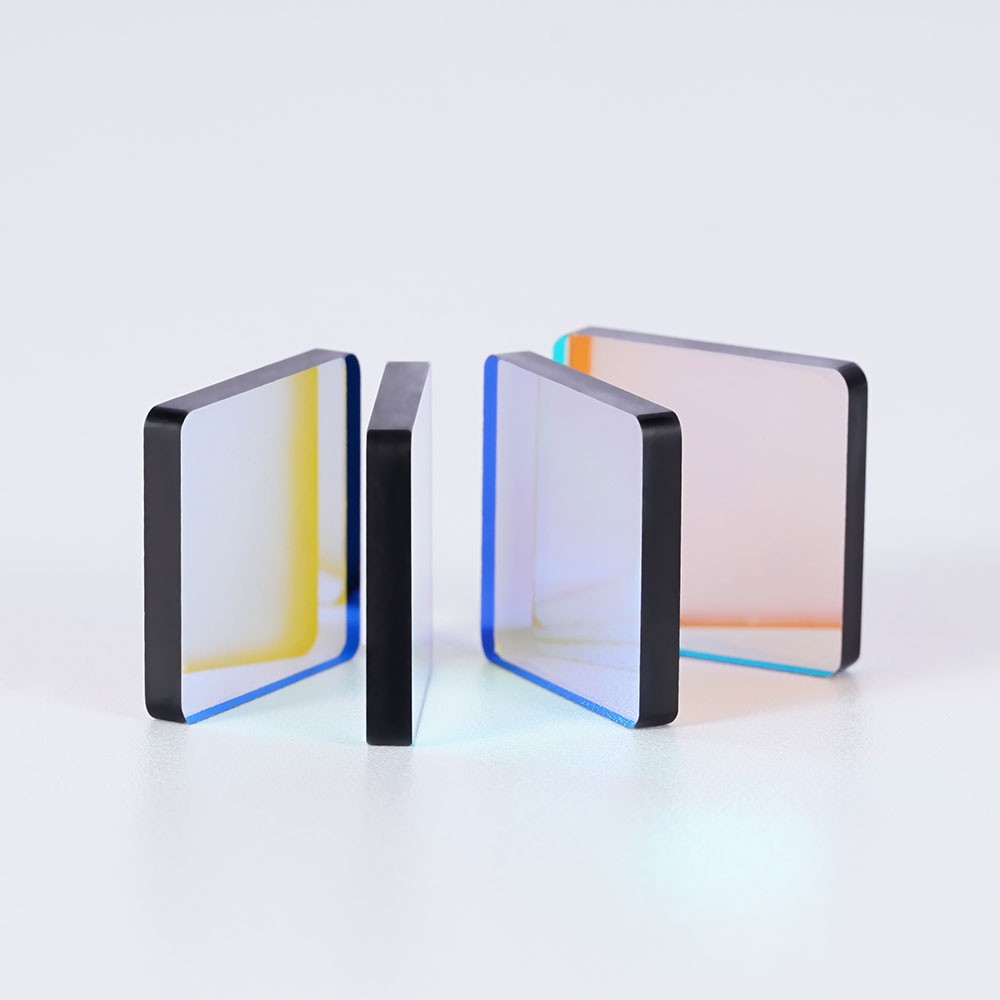
Representative optical component for RFQ preparation
Representative product visual for RFQ preparation.

Fields to prepare before RFQ review

These fields move the inquiry from a procurement keyword into a reviewable optical package.

  • Optical role and filter family if known
  • CWL, FWHM or pass/cutoff range
  • Blocked range and OD target
  • Transmission or attenuation target
  • AOI, substrate, size and drawing
  • Quantity, stage and attachments
RFQ preparation

Send the specification context, not only the procurement keyword.

Lumalyx can review a request more efficiently when commercial intent is paired with wavelength ranges, blocking or attenuation targets, AOI, substrate, size, quantity and use context.

Start RFQ package
RFQ depth

Make the custom request reviewable before the first reply

A custom optical filter inquiry moves faster when optical behavior, geometry, quantities and open questions are separated into review fields.

FieldSend whenReview note
Optical behaviorThe request involves a pass band, blocked band, cutoff edge or attenuation target.Name the role first, then add CWL, FWHM, OD, transmission or cutoff values that are known.
Mechanical and drawing dataSize, thickness, substrate, AOI, coating side or assembly fit affects the part.Attach drawings or mark dimensions as open when the optical task is known but the package is still being set.
Project and quantity contextThe request is for evaluation, pilot build, redesign or recurring sourcing review.Use stage and quantity to frame the review conversation without implying timing or commercial terms.

Commercial boundary

The public page should not answer feasibility, timing or commercial terms. It should help the buyer send enough information for a scoped review.

Attachments

Useful attachments include spectrum sketches, current references, mechanical drawings, source and detector notes, and channel-layout context.

Regional note

For DACH, Japan and South Korea pilot pages, local language should only be added after the RFQ vocabulary and buyer task differ from the English global page.

RFQ prompt

Ask for the optical role, known numeric fields, drawing status, stage and quantity in one request so the review does not depend on a product name alone.

FAQ

Common Custom optical filter RFQ questions.

These answers keep the page focused on RFQ preparation.

What should a custom optical filter RFQ include?

Include optical role, wavelength ranges, CWL or cutoff, FWHM, OD or transmission target, AOI, substrate, size, drawing, quantity and application context.

Can I submit an RFQ with unknown values?

Yes. Mark unknown values clearly and include the application, source, detector and any current references.

Does this page confirm feasibility or delivery?

No. It prepares the request package. Feasibility, timing and commercial terms require RFQ review.