Comparison guide

Bandpass vs notch filter

Bandpass and notch filter requests move in opposite directions: one frames the wanted window, while the other frames the band that should be attenuated.

Optical filter request guide

Bandpass Vs Notch Filter comparison guide

Prepare Bandpass Vs Notch Filter fields for optical filter review with wavelength, bandwidth, blocking, geometry, product-family path, and RFQ checklist guidance.

What is being compared in Bandpass vs Notch Filter?

Bandpass vs Notch Filter: terms compared

Use the comparison to separate optical functions, request fields, and review questions. The page should help a buyer understand how to describe the need, not declare that one option can stand in for another without technical review.

Identify the actual optical function before choosing a family.

Where does Bandpass vs Notch Filter create confusion?

Where confusion happens

Confusion often starts when a short term is used without wavelength, bandwidth, blocking, AOI, substrate, or application context. Add the missing fields before deciding whether the comparison is about function, geometry, measurement, or document review.

Write the missing fields as review questions.

Why should Bandpass vs Notch Filter not be treated as one request automatically?

Do not collapse different requests into one

Different optical terms can point to different review paths, even when they appear in the same system. Keep each option tied to its own function and field list so the technical response can compare the requirement instead of guessing from labels.

List each option with its own wavelength, blocking, and geometry fields.

Which fields help split Bandpass vs Notch Filter?

Field split for review

Separate the comparison by passband or cutoff, blocking region, transmission or attenuation target, angle, substrate, size, source, detector, and surrounding channels. The field split makes the inquiry easier to review without adding broad performance language.

Prepare a two-column field list for the RFQ.

Which product paths may connect to Bandpass vs Notch Filter?

Product family paths

The comparison may point toward bandpass, longpass, shortpass, notch, neutral density, dichroic, or coated optic families. Choose the path by optical function and keep unresolved alternatives visible as review questions.

Open the relevant family pages or include both options in the RFQ.

How should a buyer move from Bandpass vs Notch Filter to an RFQ?

RFQ next step

Send the comparison as a structured request with the fields for each option, the application context, and the documents needed. Ask for review of the requirement rather than asking the page to resolve an engineering decision alone.

Submit the comparison fields through the technical RFQ path.

Technical fields to prepare

Use these fields to turn the page topic into a reviewable Lumalyx request.

  • application context
  • target wavelength or band
  • blocking or OD target
  • AOI or geometry
  • substrate and size
  • quantity
  • documents or drawings

Comparison frame

A bandpass request defines the wavelength window to pass and the blocking needed around it. A notch request defines a narrow band to attenuate while surrounding ranges remain useful.

Selection difference

The comparison changes RFQ fields. Bandpass review needs CWL, FWHM and out-of-band blocking. Notch review needs rejection wavelength, rejection width, OD target and surrounding transmission context.

Request path

If the problem is channel selection, start with the wanted signal band. If the problem is a laser line or unwanted peak, start with the rejection band and surrounding ranges.

Review boundary

Use comparison terms to prepare request fields, not to force a conclusion.

This page does not state that either filter type solves a system problem by itself. It prepares the vocabulary and fields needed for optical review.

The safest next step is to describe the optical role and mark open values clearly.

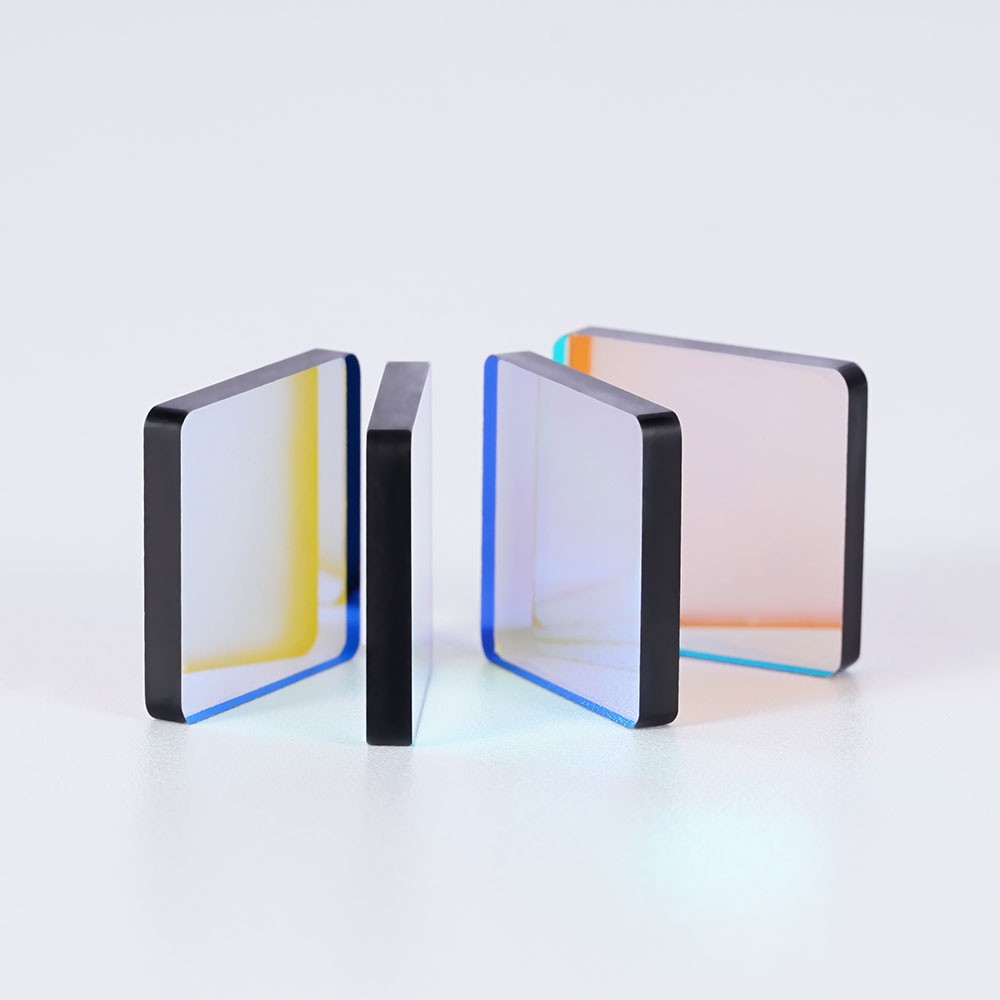
Representative optical component for comparison review
Representative product visual for comparison review.

Comparison points for RFQ review

These points move a comparison search into a reviewable optical package.

  • Bandpass: define CWL, FWHM, pass-band edges and blocking outside the window.
  • Notch: define rejection wavelength, rejection width, OD target and surrounding transmission needs.
  • Both requests should include source, detector, AOI, size, substrate and quantity.
  • Problem-driven inquiries should describe the unwanted peak or neighboring channel.
RFQ preparation

Send the optical role, not only the comparison keyword.

Lumalyx can review a request more efficiently when the comparison is paired with wavelength ranges, blocking or attenuation targets, AOI, substrate, size and use context.

Start RFQ package
Comparison depth

Start from the wanted window or the rejected band

Bandpass review starts with the window to pass. Notch review starts with the band to attenuate and the surrounding ranges that must remain useful.

FieldUse whenReview note
Wanted signal windowThe request is about selecting a source, emission band or detector window.Send CWL, FWHM or pass-band edges plus blocking outside the window.
Rejected bandThe request is about limiting a laser line, peak or narrow unwanted band.Send rejection wavelength, rejection width, OD target and surrounding transmission context.
Problem contextThe buyer is responding to crosstalk, background or a neighboring channel.Send the unwanted peak, wanted signal band, source, detector, AOI, substrate, size and quantity stage.

Misread boundary

The page does not claim either filter family solves a system issue by itself. It prepares the comparison fields for optical review.

RFQ prompt

Send whether the task starts from a wanted window or a rejected band, then add OD, blocking, geometry and channel context.

Regional note

Regional comparison pages should wait for DACH, Japan or South Korea signal evidence showing a distinct bandpass/notch request pattern.

FAQ

Common Bandpass vs notch filter questions.

These answers keep the page focused on optical RFQ preparation.

What is the RFQ difference between bandpass and notch filters?

Bandpass RFQs define the wanted pass window and surrounding blocking. Notch RFQs define the rejection band and the surrounding transmission context.

What should I send for a notch filter inquiry?

Send rejection wavelength, rejection width, OD target, surrounding pass ranges, source, detector, AOI, substrate, size and quantity.

Can this guide decide whether a bandpass or notch filter is better?

No. It helps organize the request. The review depends on signal band, unwanted peak, neighboring channels and geometry.