Problem review

Low signal and background fluorescence filter review

Low signal or high background should be translated into useful wavelength, unwanted light, source, detector and geometry fields before product review.

Optical filter request guide

Low Signal Background optical review guide

Prepare Low Signal Background fields for optical filter review with wavelength, bandwidth, blocking, geometry, product-family path, and RFQ checklist guidance.

What should a buyer record when reviewing low signal background?

Start with the observed symptom

Begin with what the system shows: the channel, wavelength region, signal behavior, background condition, cutoff uncertainty, or leakage pattern that needs review. A useful note describes the observation without turning it into a diagnosis or product claim.

Write the observation and attach spectra or test notes if available.

Which optical fields are commonly needed for low signal background?

Optical fields to collect

Collect wavelength bands, FWHM or edge position, blocking or OD target, AOI, substrate, dimensions, detector or source context, and any neighboring channels. These fields help convert a symptom into a technical inquiry that can be reviewed against product families.

Prepare the fields before selecting a filter family.

What should not be inferred from low signal background alone?

What the symptom does not prove

The symptom alone does not prove that one filter type, coating approach, product family, or alternate component path is correct. Keep the inquiry focused on the optical evidence available and ask for review of the relevant fields rather than asserting the cause.

State what is known and what remains open for review.

Which attachments help review low signal background?

Attachments to prepare

Helpful attachments can include spectra, drawings, channel maps, source and detector notes, geometry sketches, current component information, and measurement conditions. The public page should guide preparation; the final interpretation belongs in the technical response.

Attach spectra, drawings, and system context when available.

Which product families may be relevant to low signal background?

Related product families

Depending on the observation, the review may involve bandpass filters, edge filters, notch filters, dichroic optics, neutral density filters, or coated elements. The useful first step is to connect the symptom to request fields, then choose the family path.

Move to the product family that matches the optical task.

How should a buyer ask Lumalyx to review low signal background?

RFQ next step

Send a structured inquiry with the symptom, field list, attachments, application context, and document needs. Avoid asking for a conclusion from the symptom alone; ask for a review of the optical requirement and the information needed next.

Submit the review package through the RFQ path.

Technical fields to prepare

Use these fields to turn the page topic into a reviewable Lumalyx request.

  • application context
  • target wavelength or band
  • blocking or OD target
  • AOI or geometry
  • substrate and size
  • quantity
  • documents or drawings

Problem frame

A low-signal complaint can come from transmission, source level, detector response, sample behavior, geometry or blocking choices. A background problem can come from broad source content, fluorescence overlap, stray light or insufficient blocking.

Review fields

Prepare useful signal band, target transmission, unwanted wavelength range, OD/blocking target, source spectrum, detector range, AOI, substrate, size and any spectra.

Product path

Start with bandpass, fluorescence and OD/blocking resources. Use RFQ when the symptom depends on the whole optical path rather than one catalog row.

Review boundary

Use the symptom to choose request fields, not to promise an outcome.

This page does not promise signal increase or background reduction. It helps structure the review package.

The safest next step is to send known optical values and mark open fields clearly.

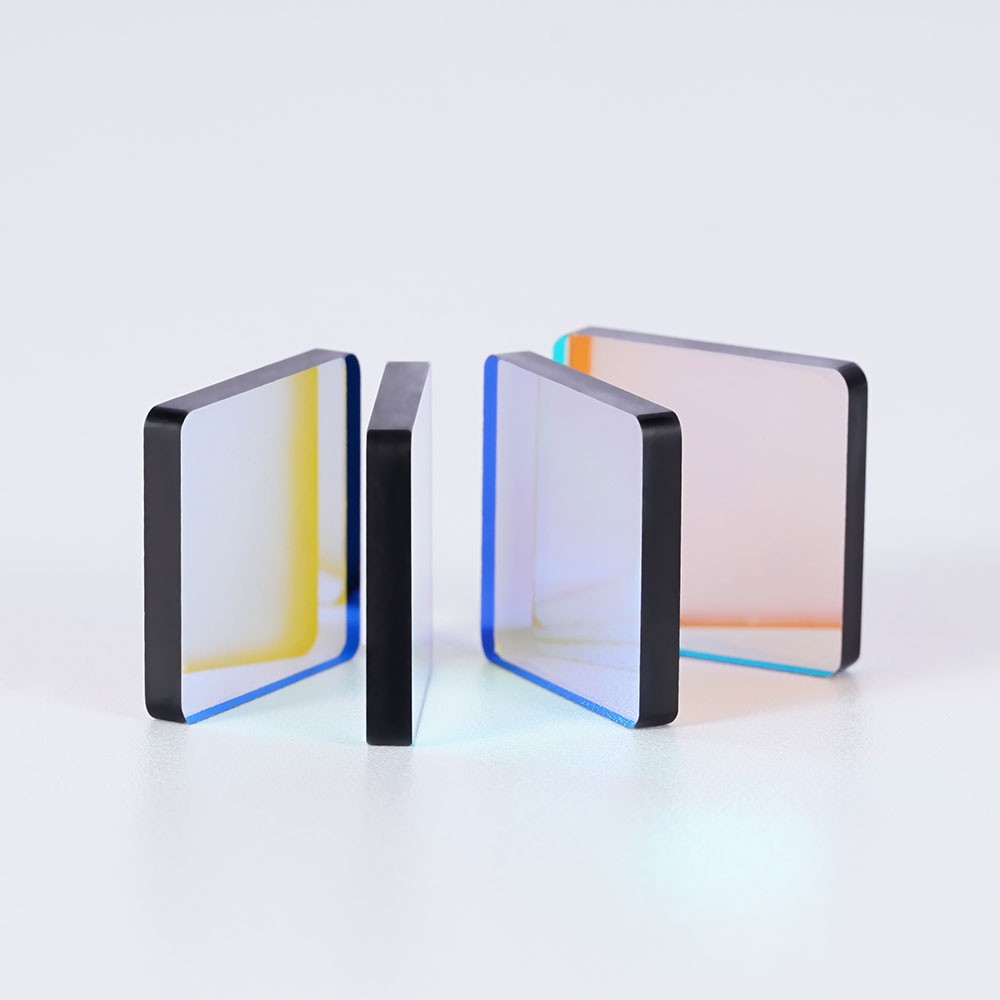
Representative optical component for signal-path problem review
Representative product visual for signal-path problem review.

Fields to prepare before review

These fields move the request from a symptom into a reviewable optical package.

  • Useful signal band
  • Transmission target
  • Unwanted/background range
  • OD/blocking target
  • Source and detector context
  • AOI, substrate, size and spectra
RFQ preparation

Send the signal path, not only the symptom.

Lumalyx can review a request more efficiently when the problem is paired with wavelength ranges, blocking or attenuation targets, AOI, substrate, size and use context.

Start problem review RFQ
Problem-review depth

Separate low useful signal from background light before product review.

Low signal and high background language should be translated into wanted band, unwanted range, source, detector and geometry fields.

FieldSend whenReview note
Useful signal bandThe wanted wavelength range is known.Pair it with transmission target if available.
Background rangeUnwanted light or fluorescence is suspected.Name the range and source context.
GeometryAngle, size or substrate may affect review.Send AOI, clear aperture and drawing if available.

What not to infer

Low signal wording does not identify one product family or prove a filter will change system output.

Attachments

Attach spectra, source power context, detector range and current component notes when available.

Regional note

Localized pages should wait for regional evidence in fluorescence, diagnostics, machine vision or analyzer RFQs.

RFQ prompt

Send useful signal band, background range, OD or transmission target, source, detector, AOI, substrate and size.

FAQ

Common Low signal and background questions.

These answers keep the page focused on optical RFQ preparation.

What should I send for a low-signal optical filter review?

Send the useful band, transmission target, source, detector, current filter reference if any, AOI, size and spectra.

How should background fluorescence be described?

Name the unwanted wavelength range, likely source of background, detector response and blocking target if known.

Can Lumalyx promise a stronger signal from this page?

No. The page prepares RFQ fields; actual review depends on spectra, geometry and current options.